Turning children'simagination intoreal experiences.
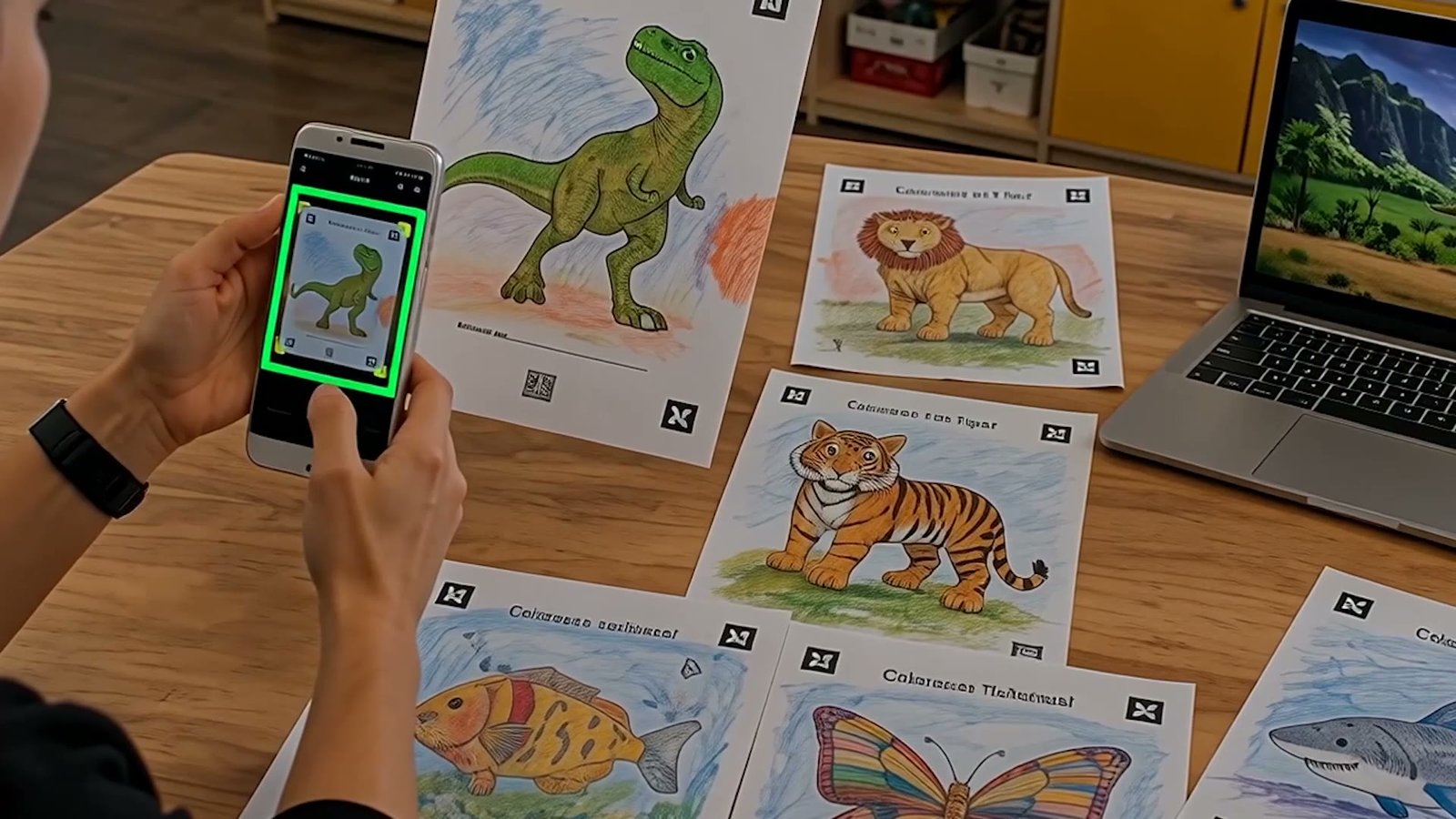
A child colors a page, scans it, and watches the drawing move on a giant screen.
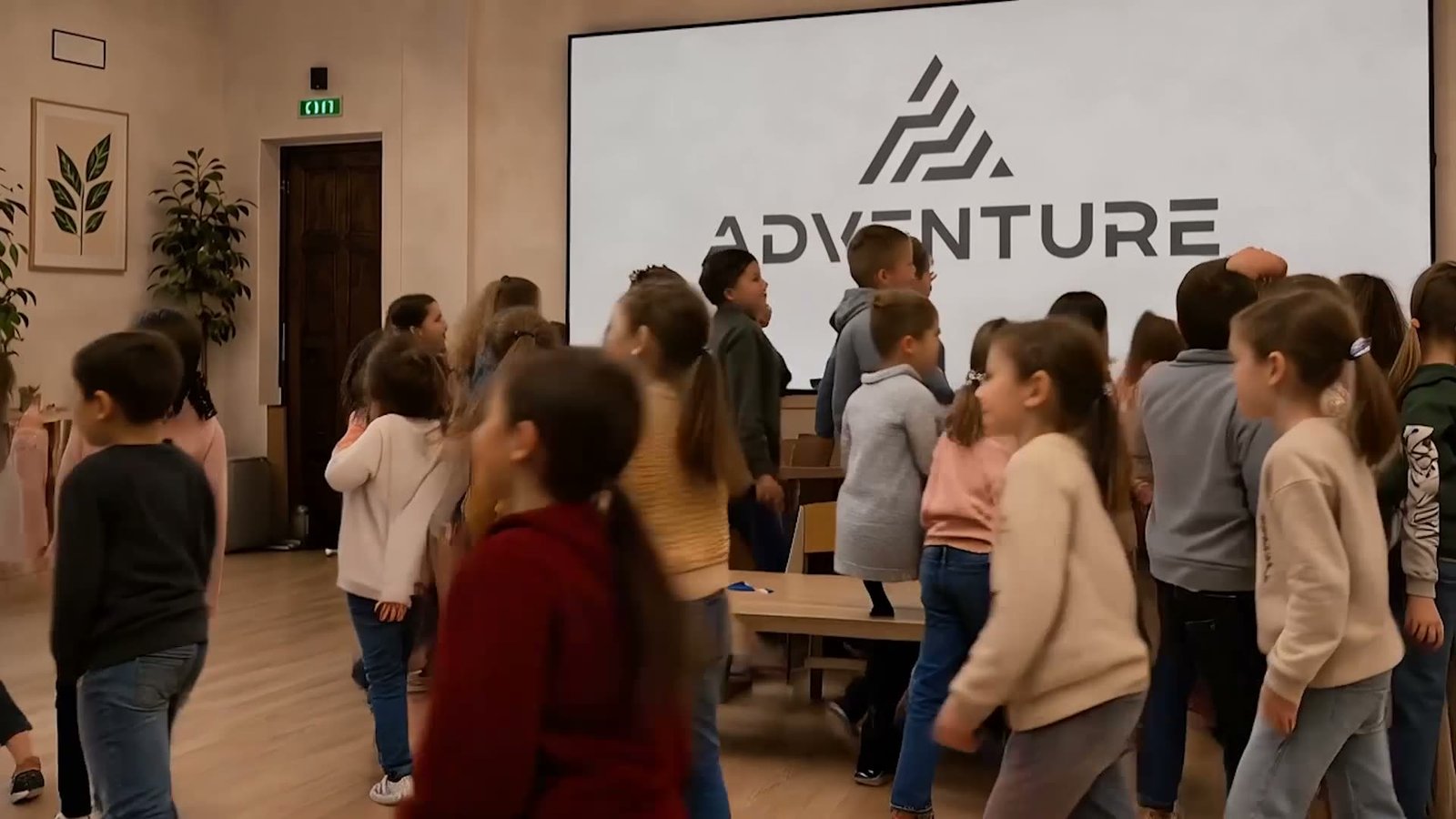
A real session: a class scans their colored characters and watches them come alive.
You have probably noticed it already: face paint and balloon animals are things parents have seen a hundred times. Real differentiation, the kind that turns an event into a lasting memory, comes from an experience no one else in the market has.
MyLivingDraw is exactly that. A child colors a character on paper. Seconds after it is scanned, that same character comes alive on screen: it moves, and becomes part of a whole world. The child is not just watching a special effect. They see themselves as a small creator of magic.
Three steps, no technical know-how
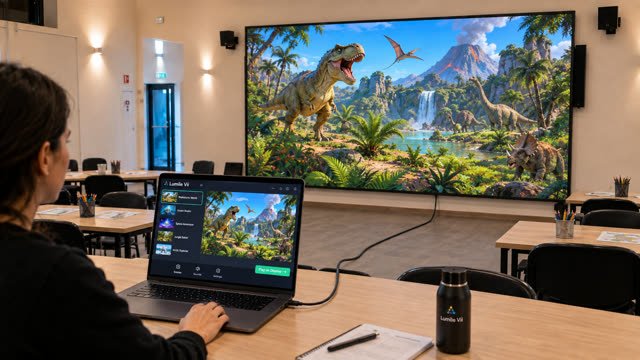
Display
A laptop connected to an LED screen or a projector shows the world chosen for the venue.
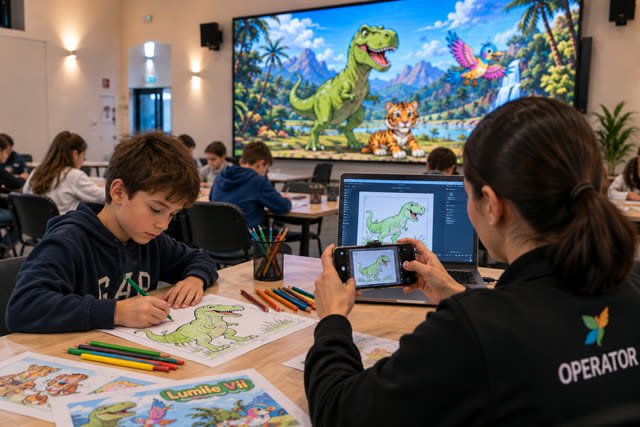
Capture
The child colors a character on a printed template. A phone, used as a wireless camera, photographs the drawing.
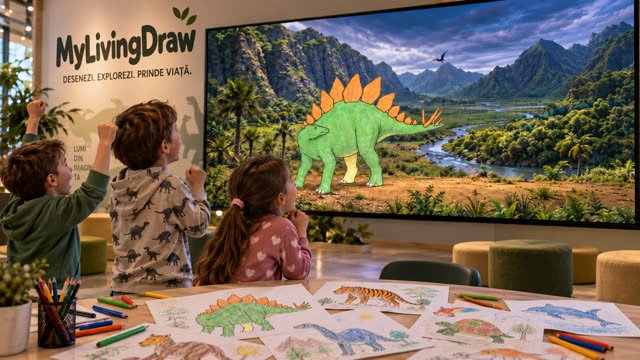
Magic, on screen
Within seconds, the colored character comes alive and steps into the world the child chose.
Seven worlds, each its own universe
The starter package includes 3 worlds of your choice from the 7 shown here. Need more, or have something specific in mind? Additional worlds can be added, including new ones built to your brief.
Ocean
Painted fish and gentle giants of the deep.
Dinosaurs
Bring a prehistoric friend back to life.
Butterflies
Hand-drawn wings, taking flight.
Cosmos
A hand-drawn rocket, launched into the stars.
Train
Ride the rails with a colorful locomotive.
Airplanes
A drawn plane, soaring through the clouds.
Zoo
Fill the enclosure with your own animals.
Offline today, conversational tomorrow
Offline mode
Draw, scan, and watch it appear. No internet required: just a projector or LED screen, a PC, and a scanner or phone.
Online AI mode
A future mode where a child can ask their drawing questions and hear it answer. Needs a microphone and an internet connection.
Built to run all day, on its own
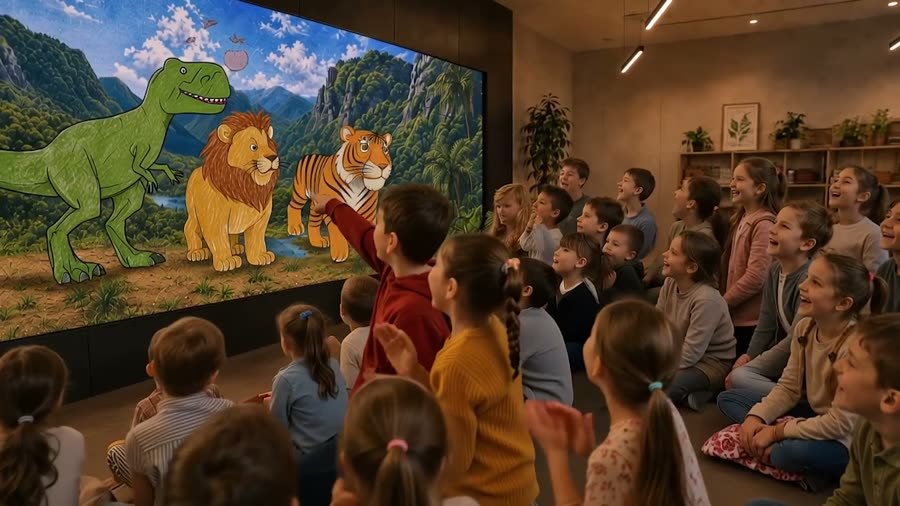
Anywhere families gather
Two ways to set it up
Projector
Projector + PC + Scanner or phone
LED screen
LED screen + PC + Scanner or phone
What actually runs the recognition and animation, behind the scenes.
- GPU
- Intel UHD 620, integrated — works, but caps out around 5+ characters at once
- CPU
- 4 cores
- RAM
- 16 GB
- Storage
- SSD required
- GPU
- Dedicated GPU (GTX 1650 / RTX 3050 or better)
- CPU
- 6+ cores, for faster recoloring
- RAM
- 32 GB, to keep every world cached at once
- Storage
- NVMe SSD, for faster reads
Phone (capture)
- 1920×1080 photos, up to 3 MP — 12 MP+ only slows the upload
- JPEG format, not PNG or RAW
- Local Wi-Fi (dedicated hotspot), never mobile data
Kiosk screen (display)
- 1920×1080 (Full HD) — 4K adds nothing here
- 60Hz refresh rate
- Direct HDMI connection, not wireless
Network (local Wi-Fi)
- A dedicated local hotspot, isolated from the internet
- A dedicated router (not a laptop hotspot) for 50+ participants at once
- Dual-band 2.4GHz + 5GHz for stability with many connections
Exact requirements depend on how many worlds and children you expect to run at once — ask for a quote and we'll help size it for your venue.
Photos & videos
Frequently asked questions
Just a few seconds: the software recognizes the drawing and animates it almost instantly.
The system supports multiple children scanning and playing together in the same world.
Yes. New worlds and characters are added on a regular basis as updates.
No. The standard offline mode runs on a local PC. The upcoming online AI mode will need internet and a microphone.
See it come to life at your venue
Book a live demonstration, or ask for a quote tailored to your space and audience.